Yeah, and how does he have 2 colors? Did you put a yellow thing on his face and have to move it with him seperate the whole time? Cause that's hard for me when I try to make a guy have more than 1 color.
edit: Wait I think you did cause I saw it move a bit by itself when he was still. Never mind my question.:o
Beginners, post your Pivot animations here.
Started by: Paperclip | Replies: 34,531 | Views: 1,500,515 | Closed
Jan 20, 2007 2:50 AM #21508
Jan 20, 2007 2:52 AM #21509
Try making star wars and a double colored light saber.Same thing with my animations when they have the samurai in them with the hat.
Jan 20, 2007 2:55 AM #21510
I wish pivot could have a guy with two or more colors on him to without being seperate parts, that'd be so easier.
Jan 20, 2007 3:05 AM #21511
ya but thedn that'd be to easy
Jan 20, 2007 3:09 AM #21513
WHOA!!!!I just learned something about Pivot.You can do that. except the stick person won't be ya know....able to move except with one movable button.you go to "file" and click "add SPRITE"
Jan 20, 2007 3:14 AM #21515
Quote from theblindsamurai_135WHOA!!!!I just learned something about Pivot.You can do that. except the stick person won't be ya know....able to move except with one movable button.you go to "file" and click "add SPRITE"
ok wut... r u talking bout pivot 3 cause im using the old 1
Jan 20, 2007 3:16 AM #21516
oh...then you can't.yes it's Pivot 3.I like it better.
Jan 20, 2007 3:32 AM #21517
Quote from theblindsamurai_135If that's master cheif it sucks.(the figure)
you get a
B+
What was wrong was some physics and the gun and stuff.
but that was REALLY good
it's called the lancer figure....
and not really great, but good for beginers like us and stiff places, and yes physics are bad....
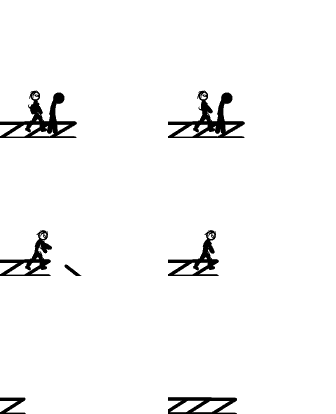
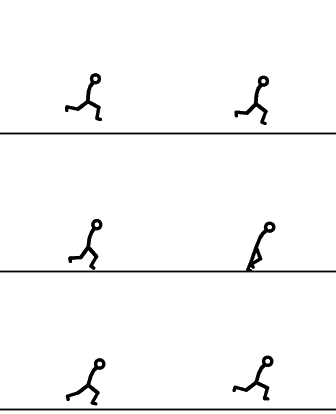
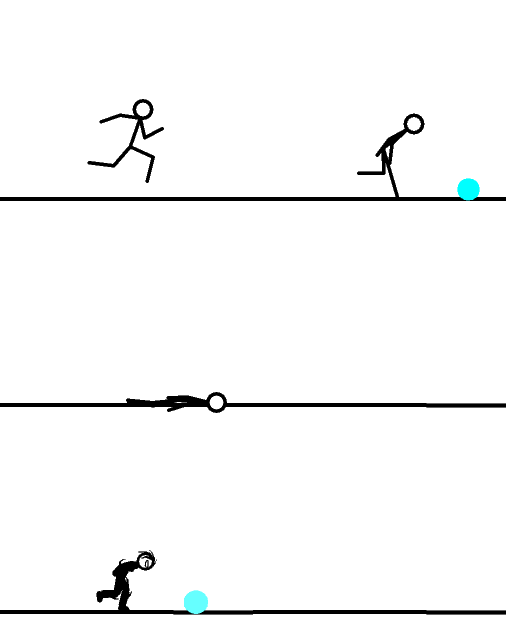
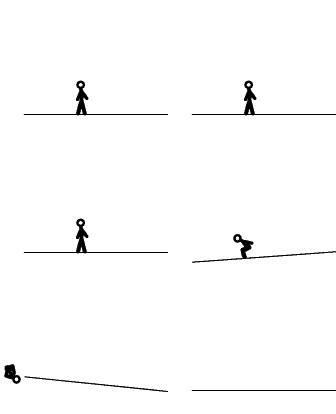
heres some of my animations....
http://i130.photobucket.com/albums/p253/bliz1j/Chainloop.gif
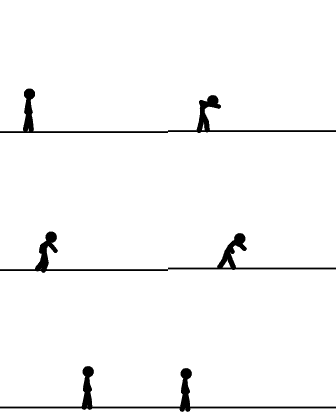
http://i130.photobucket.com/albums/p253/bliz1j/pushoff.gif
Jan 20, 2007 4:05 AM #21518
cool.I'm working on a cool animation
Jan 20, 2007 4:36 AM #21521
I used Imageready for this 1
Jan 20, 2007 4:42 AM #21522
whoa cool but to short to really say anthin
Jan 20, 2007 4:57 AM #21524
Looks to me like it's a logo of some sort. Cause of the ring around it, and I think you posted that you were makin a logo and it looked like that before. The finished one looks pretty cool.
Anyway I thought if you could make something in pivot that showed depth between things, like a stick is behind a box for ex. You'll see what I mean from the test I made.
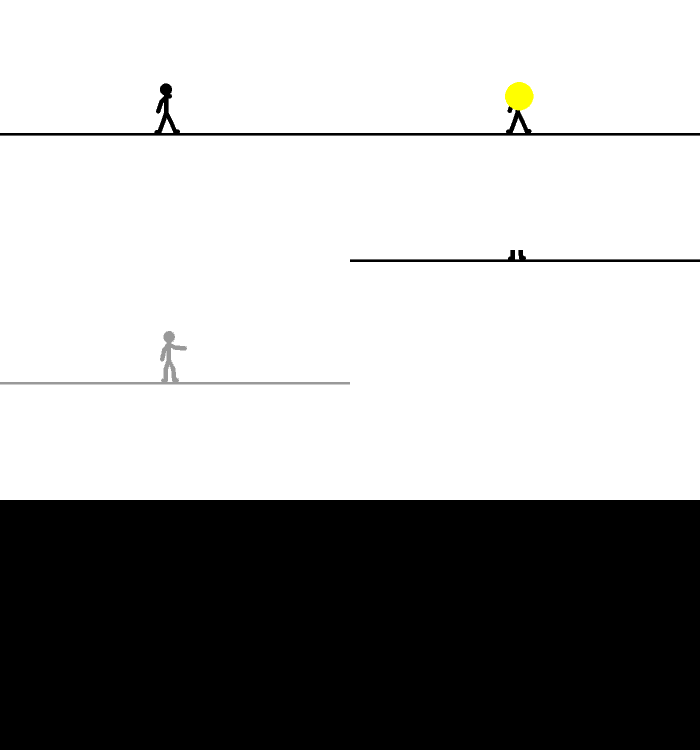
http://i74.photobucket.com/albums/i267/CJB_10/Pivot%20Stick%20Animatons/BlastedintheFace.gif
Anyway I thought if you could make something in pivot that showed depth between things, like a stick is behind a box for ex. You'll see what I mean from the test I made.
http://i74.photobucket.com/albums/i267/CJB_10/Pivot%20Stick%20Animatons/BlastedintheFace.gif
Jan 20, 2007 6:16 AM #21526
I think I'v seen someone with that before. A guy by the name of rabid fnch... Maybe not, anyway your in the wrong thread.Quote from finchywinchylynchyI used Imageready for this 1
Jan 20, 2007 6:28 AM #21527
Heres a chain

Slowmo!!!

Slowmo!!!
Jan 20, 2007 6:31 AM #21528
it was alright.