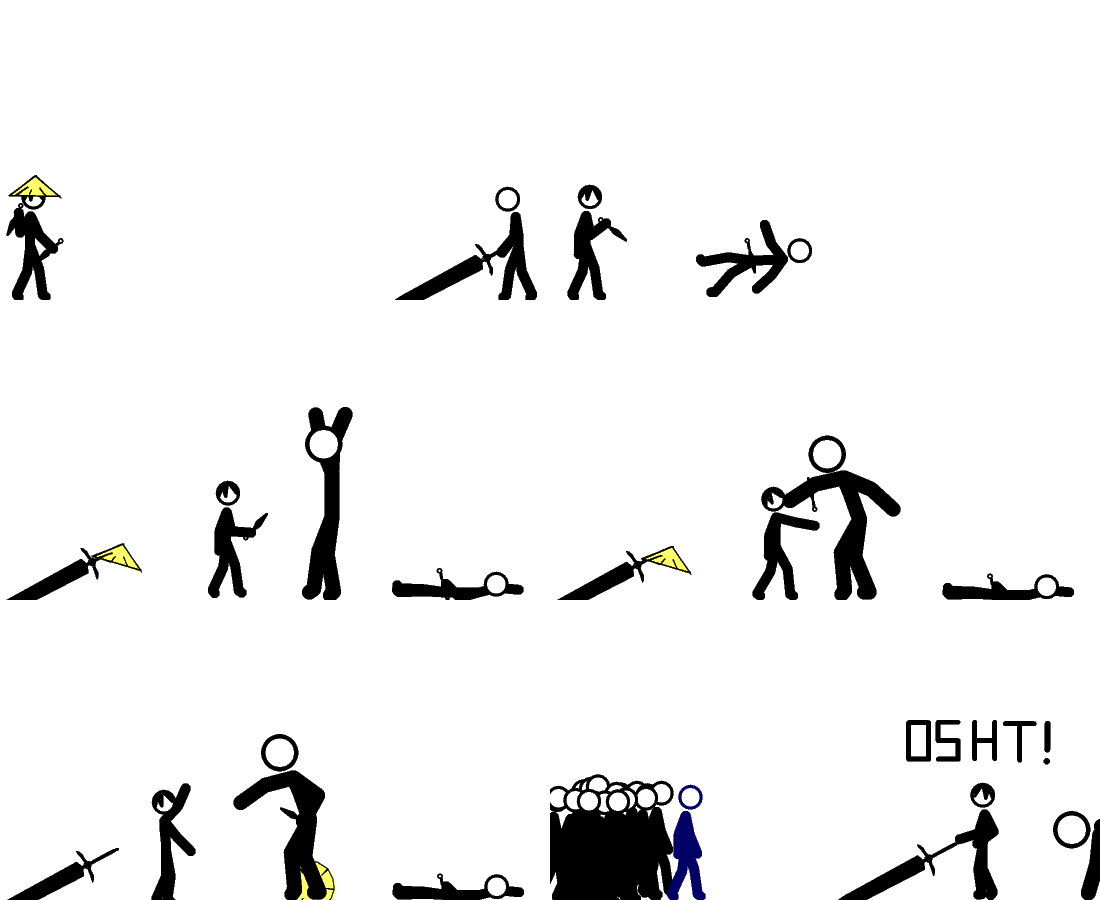
Michaelio's Pivot Wonderland
Started by: michaelio | Replies: 10 | Views: 738
michaelio
Posts: 0
Joined: Jun 2026
Posts: 0
Joined: Jun 2026
Jul 1, 2008 3:56 PM #173580
Rate Ploz.
Jul 1, 2008 3:58 PM #173582
Please post in the begginers section. Not being mean or anything but begginers need to post in the begginers section so they get better and then are moved out of the begginers ection.
michaelio
Posts: 0
Joined: Jun 2026
Posts: 0
Joined: Jun 2026
Jul 1, 2008 4:37 PM #173607
Quote from BlackyPlease post in the begginers section. Not being mean or anything but begginers need to post in the begginers section so they get better and then are moved out of the begginers ection.
k..if i must.....
Jul 1, 2008 6:19 PM #173703
yeah this shud relly relly go to the beginners section although im kinda a beginner too lol
Jul 2, 2008 1:36 AM #174108
****ing Amazing!
Jul 2, 2008 2:27 AM #174140
Very choppy, but I like that you made a fill for the hat. :D
But srsly check some tuts, especialy easing and effect tuts.
But srsly check some tuts, especialy easing and effect tuts.
Jul 2, 2008 2:44 AM #174156
Caopy paste tiem.
I see that you are having trouble making you're animation somewhat good, so I'll help you as much as I can. Don't worry, though, all animators need to start somewhere, and all of us have been where you are right now, so don't feel bad if you're flamed or mocked.
1. Basics
Basics include easing, smoothness, basic movements, stiffness, jerkiness, and physics. Practice these before moving on to more difficult things like effects, storyline animations, and other things that you won't be able to do at your current level.
I. Easing: Easing in an animation is when an object or limb gradually move faster, then slows down. This basic is hard to explain in words, so I'll try to show you with text.
This is an uneased example. (|= Frame, -= Space)
|--|--|--|--|--|
See how the spacing stays ,the same throughtout the whole thing? That makes that particular movement unnatural.
This is an eased example.
|-|--|---|----|---|--|-|
Notice how the spacing gradually becomes bigger than smaller? That's what easing is.
II. Smoothness: This is exactly what it sounds like. To make your animation less choppy and make it more fluid. It really is easy to fix, simply by adding more frames to movements. A 3 frame run will be really choppy, but a 8 frame run will be less choppy if animated correctly. Which brings me to my next point. Movements.
III. Basic Movements: These include running, walking, jumping, punching, kicking, etc. Practice animating these in simple tests with simple stks, then put them together to make more complex animations like fight sequences. If you're having trouble making you're movements realistically, find a video with the particular movement you're trying to animate, and try to imitate that. Or find a mirror and watch yourself.
IV. Stiffness: Stiffness is when the stickman you animated looks stiff and unrealistic. This may occur because you did not move the backbone that much (probably because you're using the default) or you just neglected to move one the limbs. To fix this, just try to move ALL the limbs in every frame, no matter how small the movement. Make sure to ease the movements though.
V. Jerkiness: Jerkiness occurs when you move a limb suddenly for an amount that is noticable to the human eye. Basically, you completely through easing out the window and just moved a limb to a location with no frames in between.
VI. Physics: This basic is probably the most lenient, because some animators ignore this and make cartoony animations, which have pretty wacky physics. But until you develop a style of animating, just stick with normal physics, or else some animators may call you lazy.
Now, just remember these aspects, and continue making more animations. You'll get better as you animate more, and you'll move on to more difficult and fun things, like effects. If you have trouble with something, check some great tutorials made by members of the forum, or go to www.darkdemon.org for other great tutorials. And remember, never be discouraged! You'll probably see that there are some douchebags who put down animators who are worse then they are, just because they can. Ignore these people, but if they become more and more abusive, report them and don't respond. Responding to them is the last thing you want to do. A way to avoid these people is to go to the beginner's section, where animators at your level congregate to post their animations in a friendly environment. Link here: http://www.stickpageportal.com/forums/showthread.php?t=35330 Have fun animating!
I see that you are having trouble making you're animation somewhat good, so I'll help you as much as I can. Don't worry, though, all animators need to start somewhere, and all of us have been where you are right now, so don't feel bad if you're flamed or mocked.
1. Basics
Basics include easing, smoothness, basic movements, stiffness, jerkiness, and physics. Practice these before moving on to more difficult things like effects, storyline animations, and other things that you won't be able to do at your current level.
I. Easing: Easing in an animation is when an object or limb gradually move faster, then slows down. This basic is hard to explain in words, so I'll try to show you with text.
This is an uneased example. (|= Frame, -= Space)
|--|--|--|--|--|
See how the spacing stays ,the same throughtout the whole thing? That makes that particular movement unnatural.
This is an eased example.
|-|--|---|----|---|--|-|
Notice how the spacing gradually becomes bigger than smaller? That's what easing is.
II. Smoothness: This is exactly what it sounds like. To make your animation less choppy and make it more fluid. It really is easy to fix, simply by adding more frames to movements. A 3 frame run will be really choppy, but a 8 frame run will be less choppy if animated correctly. Which brings me to my next point. Movements.
III. Basic Movements: These include running, walking, jumping, punching, kicking, etc. Practice animating these in simple tests with simple stks, then put them together to make more complex animations like fight sequences. If you're having trouble making you're movements realistically, find a video with the particular movement you're trying to animate, and try to imitate that. Or find a mirror and watch yourself.
IV. Stiffness: Stiffness is when the stickman you animated looks stiff and unrealistic. This may occur because you did not move the backbone that much (probably because you're using the default) or you just neglected to move one the limbs. To fix this, just try to move ALL the limbs in every frame, no matter how small the movement. Make sure to ease the movements though.
V. Jerkiness: Jerkiness occurs when you move a limb suddenly for an amount that is noticable to the human eye. Basically, you completely through easing out the window and just moved a limb to a location with no frames in between.
VI. Physics: This basic is probably the most lenient, because some animators ignore this and make cartoony animations, which have pretty wacky physics. But until you develop a style of animating, just stick with normal physics, or else some animators may call you lazy.
Now, just remember these aspects, and continue making more animations. You'll get better as you animate more, and you'll move on to more difficult and fun things, like effects. If you have trouble with something, check some great tutorials made by members of the forum, or go to www.darkdemon.org for other great tutorials. And remember, never be discouraged! You'll probably see that there are some douchebags who put down animators who are worse then they are, just because they can. Ignore these people, but if they become more and more abusive, report them and don't respond. Responding to them is the last thing you want to do. A way to avoid these people is to go to the beginner's section, where animators at your level congregate to post their animations in a friendly environment. Link here: http://www.stickpageportal.com/forums/showthread.php?t=35330 Have fun animating!
Jul 2, 2008 2:56 AM #174158
Quote from michaeliok..if i must.....
I believe you must.
Jul 2, 2008 4:40 PM #174624
Quote from michaeliok..if i must.....
Oh, yesh' you must.
Satan demands it.
Jul 2, 2008 6:23 PM #174702
no need to say satan
and you should go to the beginners section and try ou tutorials here or check at darkdemon.org
and you should go to the beginners section and try ou tutorials here or check at darkdemon.org
infoto
Posts: 0
Joined: Jun 2026
Posts: 0
Joined: Jun 2026
Jul 2, 2008 8:21 PM #174818
im sorry but you really need to go to the begginers sec pls
you gotta start somewhere
you gotta start somewhere