way 1!
put in your outline sticks, and arrange it how you want to to be, okay, click next frame, now move whatever and click next frame,
now, go back 2 frames, not the frame that you just animated, the one before that!
this one
http://i55.photobucket.com/albums/g124/Dragonkof/chimshow1.jpg
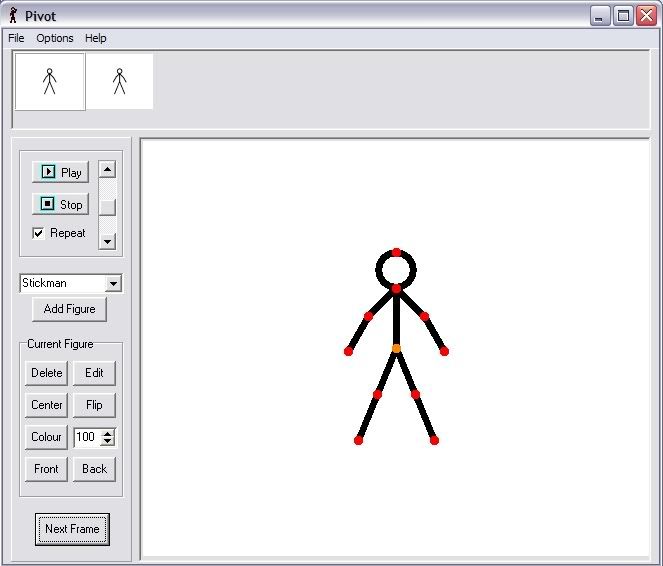
and put the fills in, continue like that, and you have onion skin with filled in backgrounds!
Way 2!
make your filled background, and take a screenshot of it, put it in paint, and make it so you can't see anything apart from teh pivot BG, save it, and save as the background in pivot, automatic background!
but, you can only have one scene then.....
yeah, there you go!
By Dragonkof.....